Drafting complex 3D structures – 2 min read
Building 3D models of bridges with complex geometries is beyond anything I can do in Revit. With varying curvatures in up to three dimensions it can take the bridge drafters a while to build the 3D models.
To do this the drafting team use a visual programming language which plugs in to 3D modelling software. To me the programming looks extremely complex but on a basic level appears pretty intuitive. Using this they are able to model the bridges. Importantly it allows different drafters (in separate countries) to quickly understand and update the models.
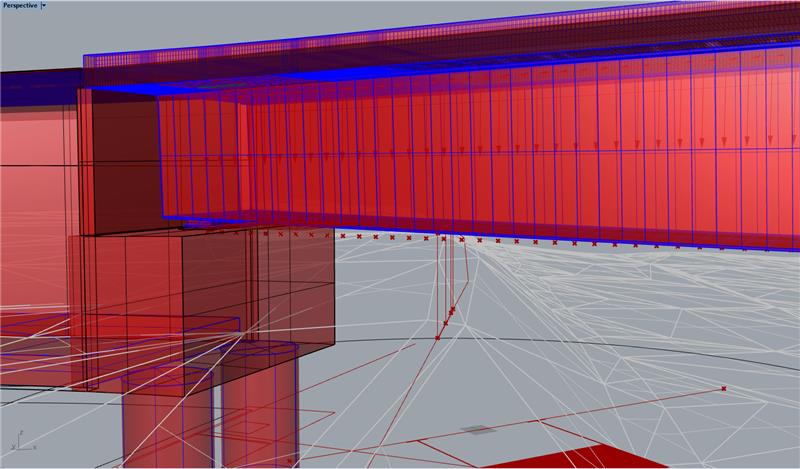
3D model of the bridge I have been working on. The soffit varies in a single dimension while the deck curvature varies in all three. 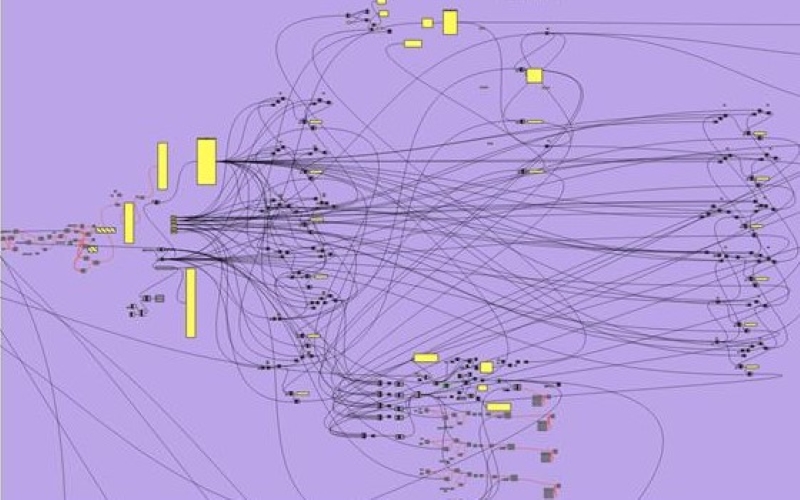
Screenshot of part of the visual programming language used by the drafting team to build a 3D model of the bridge. Software is Grasshopper. 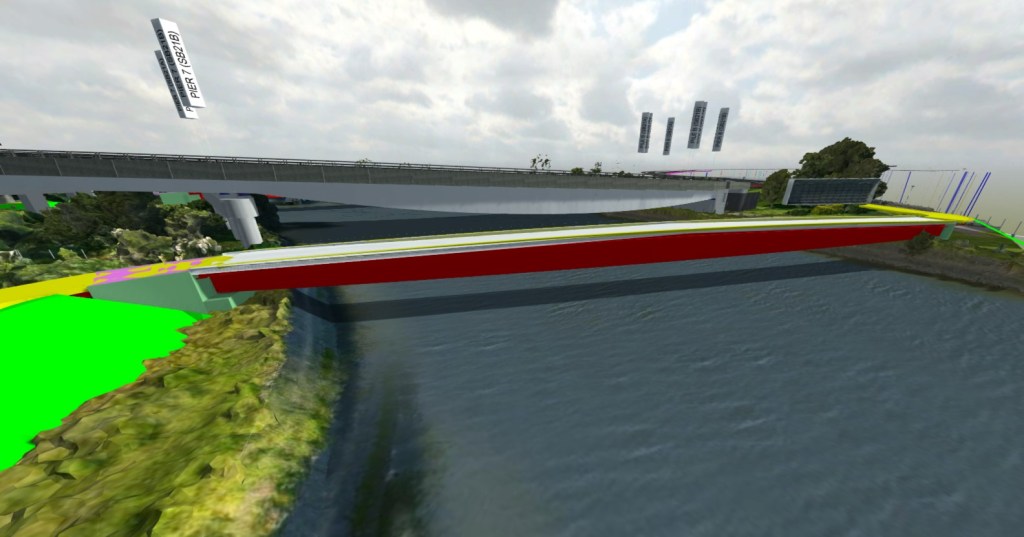
3D model imported into Revizto (BIM level 2)
The design consultant I have been attached to now exclusively use Revit on all building projects. However, the bridge team only use it on about half of the bridges with the other half being drafted in AutoCAD. Fundamentally though there isn’t much of a difference between the two. The Revit drafters use a DYNAMO visual programming language plugin while the AutoCAD drafters use Grasshopper 3D (visual programming language) and Rhino 3D (3D modelling software). With a lot of bridge drafting still done in 2D (cross bracing would take a long time to model in 3D) I can see why Revit has not been fully adopted. However, the bridge drafters believe that in 5-10 years they will be exclusively using Revit.
 Holdfast Training Services Trial Blog
Hi Rupert, in reference to your final sentence there, what will be the main driver for the bridge drafters migrating to Revit exclusively? Could it be to do with ensuring consistency between models making them more compatible for management of BIM and common data environments?